Build a website
today!
Everything included to get your business online today
|
If you need a professional looking website that's affordable, and
easy to maintain, you've come to the
right place. No HTML programming necessary, it's so easy! Everything you need
is included.
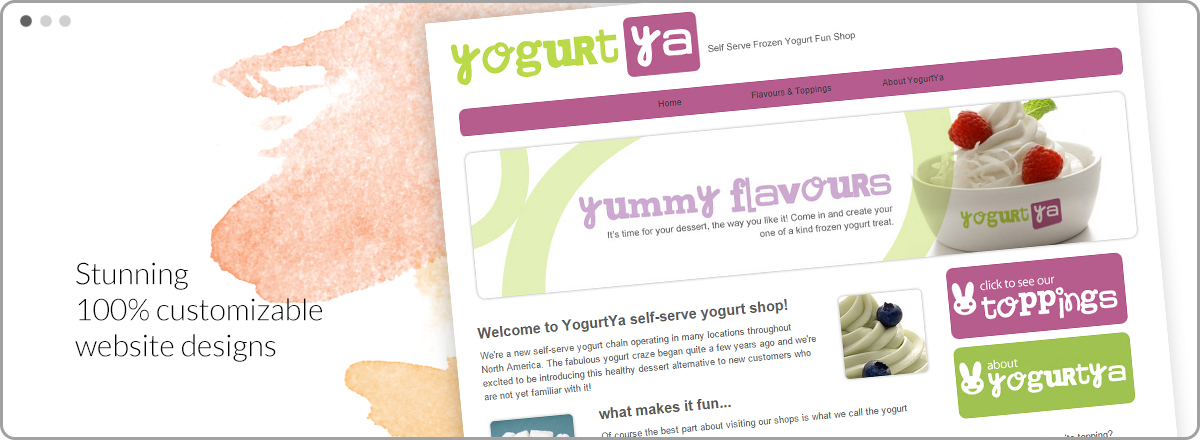
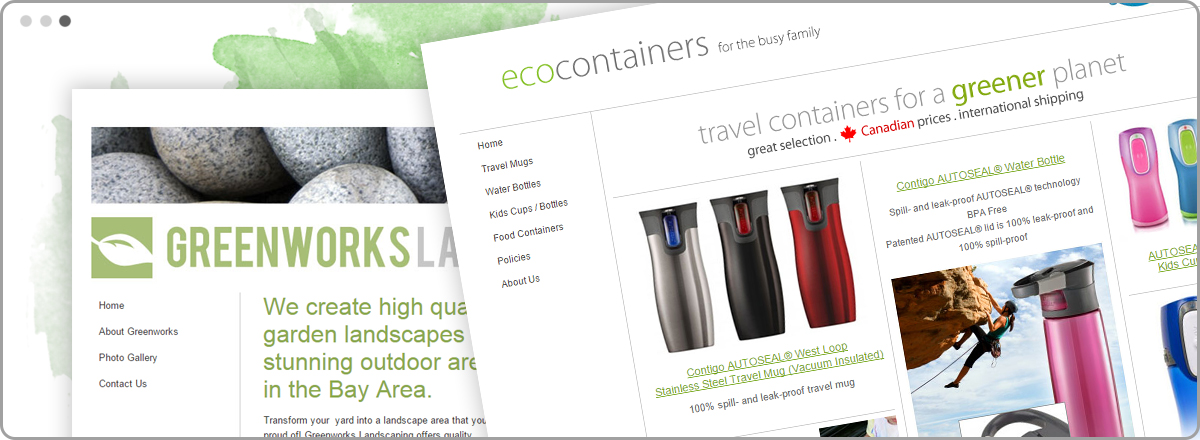
We have a variety of cool business website templates to choose from, you
can change your design at any time, or customize it the way you like!
CoolBuild
is great for any business or online store!
You will love our professional online
Shopping cart and checkout
system. Sell up to 500 products, with no transaction charges, and
charge through Paypal.
We offer so many features, included for free, that you really have to see it to
believe it.
Photo Album, Newsletter, Calendar, Guest Book, Message Board,
Free Shopping
Cart, + much more! More features than any other online website builder on the
Internet. All available at no extra charge.
Over 172,000 people just like you have used CoolBuild
to build a professional website, complete with web pages,
photo albums, email, links and 27 other features without
ever having built a website before. So what are
you waiting for? Build your own website
today, with our easy website builder... your just steps
away from having your own professional website presence on the web!
Go ahead and try our
10-day
FREE trial with no obligations. Your trial website
will be viewable on the internet in minutes!
 
Latest Articles on CoolBuild
Create a website in 3 Steps with CoolBuild
When you set about making your website, you want to spend most of your time and energy thinking about what to say and how to say it -- in other words, promoting yourself. What you don’t want to do is waste time fighting with computer programs and trying to learn a whole new language -- that of html programming. That’s why CoolBuild does all of the technical stuff for you! With CoolBuild, you’ll be online in minutes. All that’s left is to figure out what to put on your website!
Wondering how to make a website with CoolBuild? You’re in luck: there are three quick steps!
Step One: Getting Started
Unlike most web hosts, CoolBuild offers over a thousand professionally designed templates for you to choose from. This is a huge benefit because even though you’re working from a template, your site will look unique and original. Some websites have only a handful of templates for you to choose from, and you get to recognize sites using those hosts because they all look the same. But with CoolBuild’s selection, you’re sure to find something perfect for you!
You won’t have to know how to design a website with CoolBuild, because it’s all done for you. In addition, you can change your website design at any time, so don’t feel too pressured when choosing your template and layout, if you don’t like the way it looks when you’re finished, you can always shift things around without affecting your content.
Once you’ve decided on your template, you can begin designing your site by selecting up to five page names (you can always add more later). Examples of page names might include things like “Welcome,” “Shopping,” “Feedback,” or anything else relevant to your site.
The last step is to fill in the registration information and choose your domain name. Most of the time, you’ll want your domain name to be simple -- i.e., use your business name. That way people will always be able to find you on the internet!
Step Two: Adding Pages
CoolBuild’s easy website start guide makes adding a page a cinch -- it takes just a few minutes to do! Just select “add page” from the toolbar. The “add page” wizard will offer you a choice of thirty five layouts, including pages optimized for shopping carts, photo albums, custom forms, guest books, and many others. Once you’ve selected your layout, go ahead and name your page. That leaves just one more step before your website’s complete.
Step Three: Edit your Website
When you add a page, you’re automatically taken to edit mode, but if you’ve already added a page and want to make changes to it, just click “edit page” in the toolbar. What you’ll see resembles Word (and other common word processors), so it doesn’t take any special skills to use it. You’ll set up your page the same way you’d set up any document: type your information and choose the fonts, styles, and colors needed to customize the text’s appearance.
Once you’ve finished, click “save", and that’s it. You’re done! Your website is ready to preview. If you don’t like what you see, edit again.
That’s how to make a website with CoolBuild, and it couldn’t be simpler! You’ll go from sign-up to completed website in seconds. Getting started with CoolBuild is as easy as writing an email -- and almost as fast! Get your free trial and build a website today. |